How to Deactivate Toyota Smart Key Safely in Simple Steps
The Toyota Smart Key is a convenient feature that allows you to lock, unlock, and start your vehicle without inserting a key. However, in certain situations such as preventing battery drain, long term vehicle storage, or for added security it may be necessary to deactivate the Smart Key system. In this guide, we will explain how to safely and easily deactivate the Toyota Smart Key step by step.
What does it mean to deactivate a Toyota Smart Key?
To deactivate a Toyota Smart Key means to temporarily or permanently turn off the vehicle’s keyless entry and push button start system. When deactivated, the car will no longer detect the key fob automatically, preventing it from locking, unlocking, or starting the engine wirelessly. This feature is useful for long term parking, preventing battery drain, or enhancing security, and the system can usually be reactivated when needed.
What does the Smart Key deactivation (cancel) switch do?
The Smart Key deactivation (cancel) switch is used to turn off the Toyota Smart Key system so the vehicle no longer detects the key fob automatically. When activated, keyless entry and push button start are disabled, helping prevent battery drain and reduce the risk of relay theft. This feature is especially useful for long term parking or vehicle storage, while normal operation can be restored by switching it back on or using the key fob again.
How do I operate the Smart Key locking and unlocking functions in my vehicle?
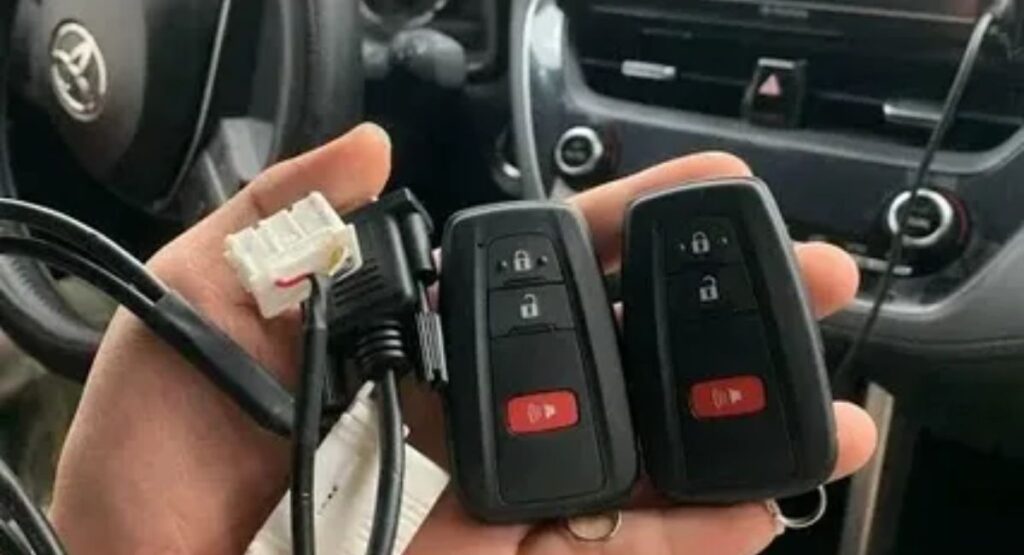
To operate the Smart Key locking and unlocking functions, keep the key fob with you and approach the vehicle. To unlock, touch the inside of the door handle or press the unlock button on the handle (model dependent). To lock, touch the small sensor or lock button on the outside of the door handle after closing the door. The vehicle will confirm locking or unlocking with a beep or light flash, as long as the Smart Key is within range.
How to disable smartkey permanently
To disable the Toyota Smart Key permanently, the most reliable method is through a Toyota dealership or authorized service center. They can turn off the Smart Key system using the vehicle’s ECU settings, which fully disables keyless entry and push button start functionality. Temporary methods such as using the Smart Key cancel switch, key fob button sequence, or removing the fob battery do not permanently disable the system. For a true permanent solution, professional reprogramming is required and may affect convenience features.
How to disable Toyota Smart Key (Push to Start)
To disable the Toyota Smart Key (Push to Start), you can use one of the following methods depending on your Toyota model.
Using the Smart Key Cancel Switch
Some Toyota vehicles have a Smart Key deactivation (cancel) switch, usually located under the dashboard or near the steering column. Pressing this switch turns off keyless entry and push button start until it is turned back on.
Using the Key Fob Button Method
Sit inside the vehicle, press and hold the Lock button on the key fob, then press the Unlock button twice while still holding Lock. Release both buttons to disable the Smart Key system temporarily.
Through Vehicle Settings (Select Models)
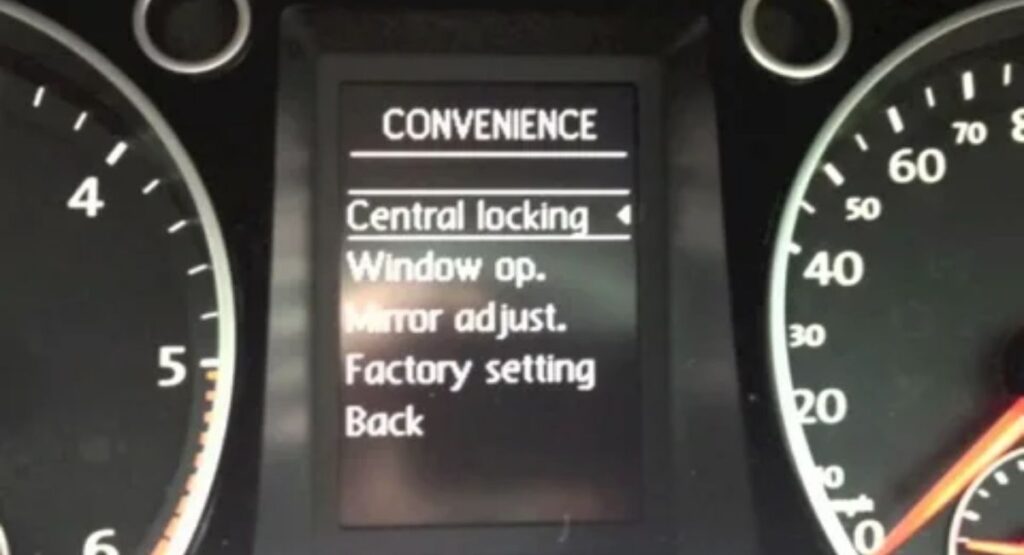
On newer Toyota models, you can disable the Smart Key through the infotainment system by going to Settings → Vehicle Settings → Smart Key System and switching it off.
Permanent Disable (Dealer Only)
For a permanent disable, a Toyota dealership must reprogram the vehicle’s system using diagnostic tools.
Deactivate Toyota Smart Key Using the Key Fob
- Sit inside the vehicle and close all doors
- Press and hold the Lock button on the key fob
- While holding the Lock button, press the Unlock button twice
- Release both buttons
- The vehicle will confirm deactivation with a light flash or beep
- To reactivate the Smart Key, simply press any button on the key fob
Deactivate Smart Key Through Vehicle Settings
- Some newer Toyota models allow Smart Key control through the infotainment system
- Turn the vehicle to ON (without starting the engine)
- Open the Settings menu on the display screen
- Select Vehicle Settings
- Find Smart Key System or Keyless Entry
- Toggle the option OFF
- This method is ideal if you prefer a software based solution
Remove the Key Fob Battery (Temporary Solution)
If the Smart Key cannot be turned off through buttons or settings
- Open the key fob casing
- Remove the battery carefully
This completely disables the Smart Key but is not recommended for daily use
When Should You Deactivate Toyota Smart Key?

- Parking the vehicle for a long time
- Avoiding key fob battery drain
- Protecting against relay theft
- Storing spare keys safely
Conclusion
The Toyota Smart Key system offers convenience, but there are times when deactivating it is necessary for security, long term parking, or battery preservation. Whether using the Smart Key cancel switch, key fob sequence, vehicle settings, or dealership reprogramming, you can safely disable the system based on your needs while ensuring your vehicle remains secure and functional.
Can you disable the Toyota Smart Key?
Yes, the Toyota Smart Key can be disabled either temporarily or permanently. Temporarily, you can use the Smart Key cancel switch, a key fob button sequence, or turn it off through the vehicle settings, which stops keyless entry and push button start until reactivated. For a permanent disable, a Toyota dealership must reprogram the system using diagnostic tools, fully turning off keyless entry and push to start features.
Where is the Toyota Smart Key Deactivation Switch located?
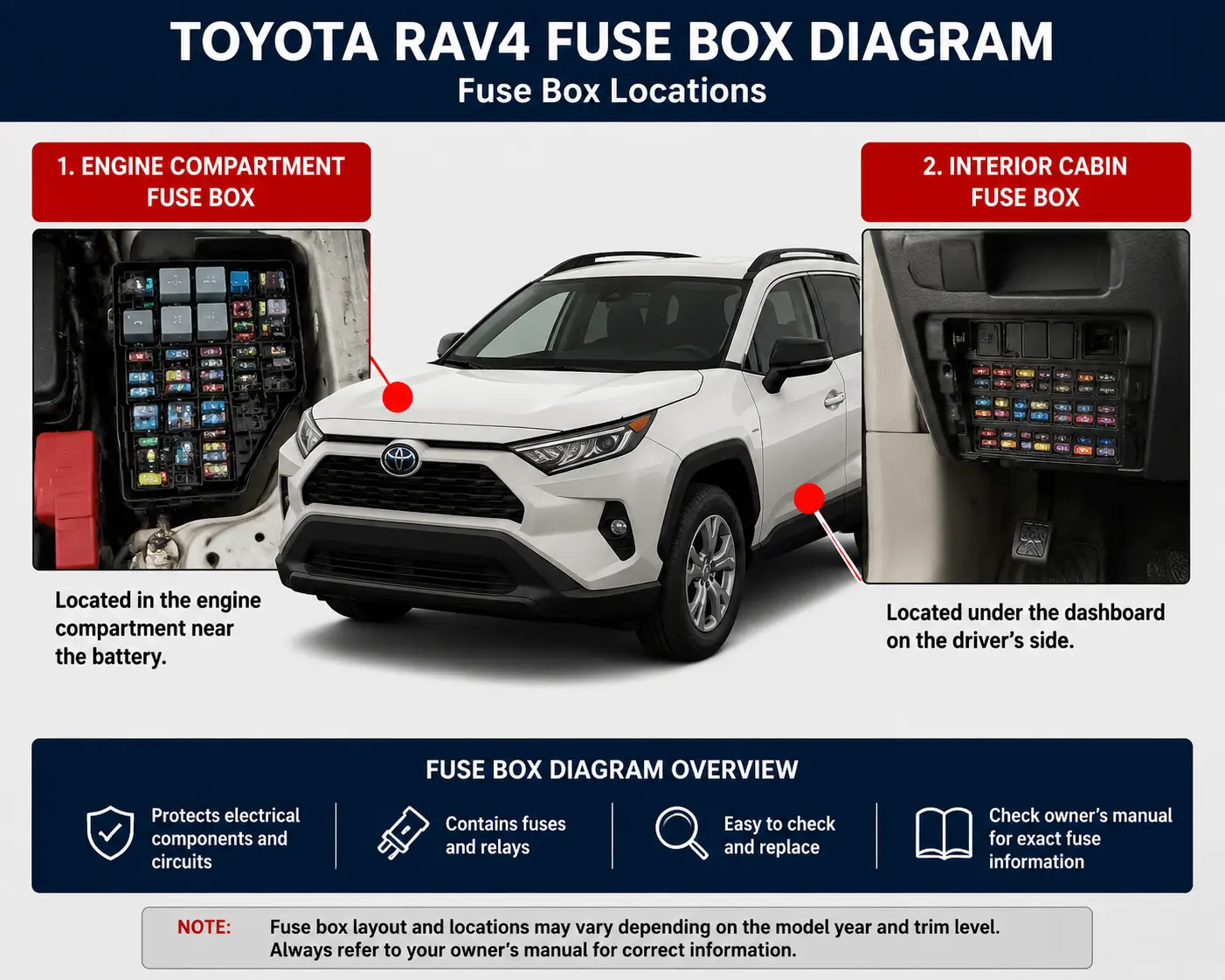
The Toyota Smart Key deactivation (cancel) switch is usually located under the dashboard near the steering column or sometimes inside the fuse box area, depending on the model. Its exact location can vary by year and vehicle type, so it’s best to check your owner’s manual for the precise position. This switch allows you to temporarily turn off keyless entry and push button start for security or long term parking.
How do I deactivate a car key fob?
To deactivate a car key fob, you can use a few different methods. On many Toyota models, pressing a specific key fob button sequence like holding the Lock button and pressing Unlock twice temporarily disables the fob. If your vehicle has a Smart Key cancel switch, pressing it will turn off keyless entry and push button start until reactivated. You can also remove the fob battery to stop its signal, though this is not ideal for regular use. For permanent deactivation, a dealership must reprogram the system.
What is a smart key deactivation switch?
A Smart Key deactivation switch temporarily turns off keyless entry and push button start, preventing the vehicle from detecting the key fob for security or long term parking.