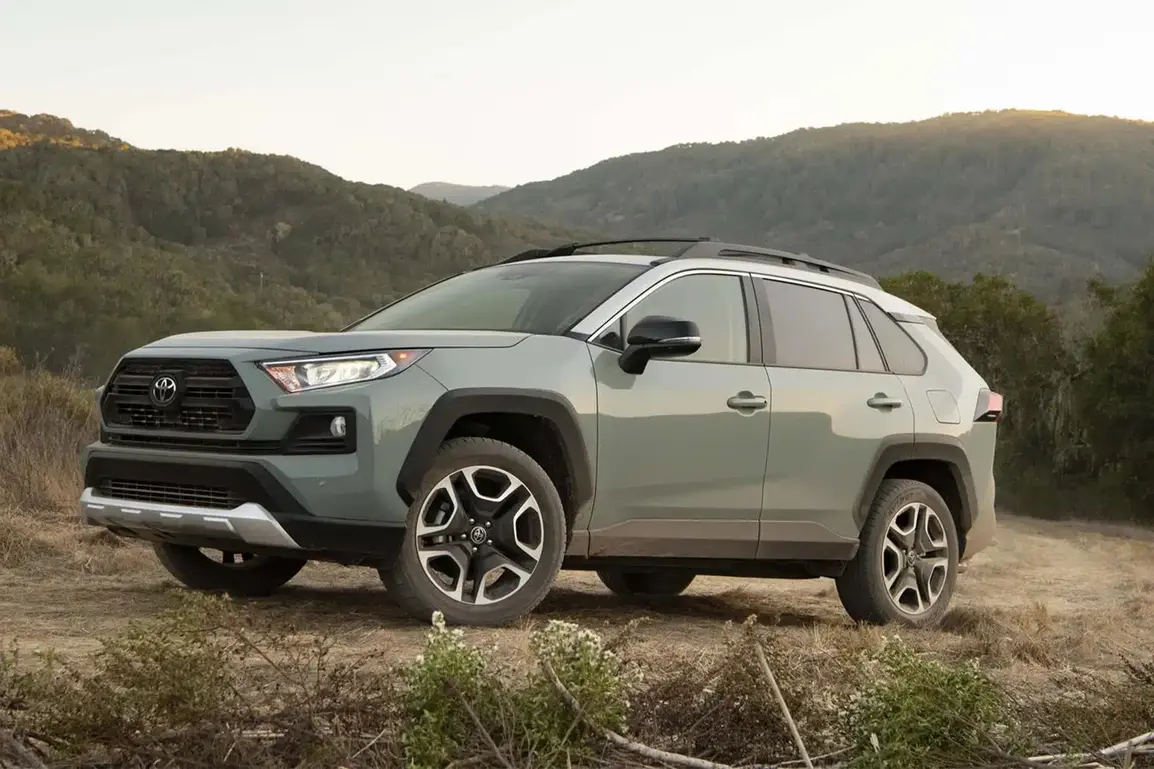
How to Use Wireless Apple CarPlay in Your 2025 Toyota RAV4
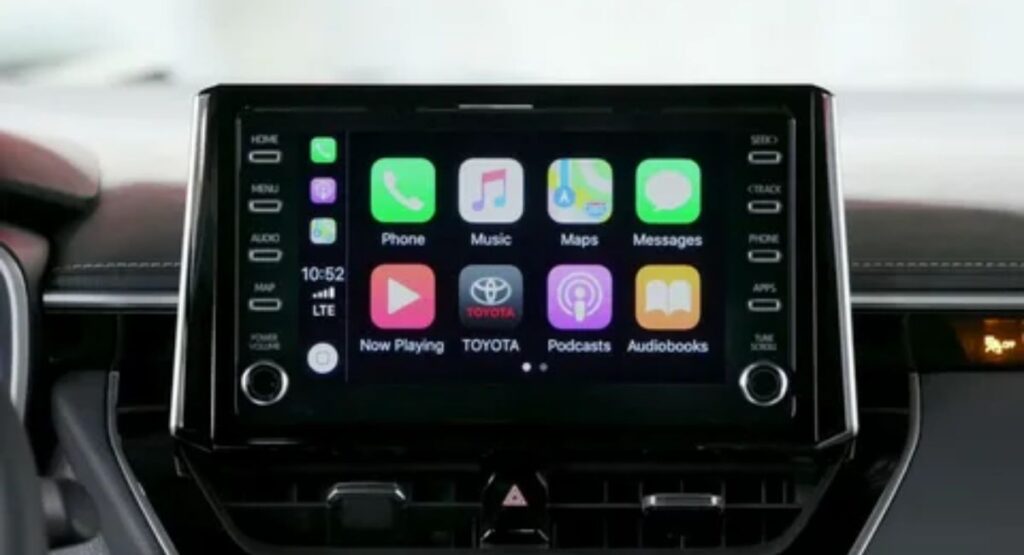
Toyota RAV4 Wireless Apple CarPlay Guide 2025 helps drivers easily connect their iPhone without using cables and enjoy a seamless in-car experience. This feature allows you to access navigation, calls, messages, music, and apps directly from the RAV4’s infotainment system. With Toyota RAV4 Wireless Apple CarPlay, pairing your device takes just a few simple steps through Bluetooth and Wi-Fi settings.
Once connected, the system automatically reconnects each time you start your vehicle, making everyday driving smarter, safer, and more convenient. The 2025 Toyota RAV4 takes connectivity to the next level with Wireless Apple CarPlay, allowing you to seamlessly integrate your iPhone with your vehicle without the need for messy cables. This feature makes it easier than ever to access maps, music, messages, and more, all while keeping your focus on the road. In this guide, we’ll explore how to set up and use Wireless Apple CarPlay in your RAV4, along with tips to get the most out of this smart technology.
What is Apple CarPlay?
Apple CarPlay is a smart interface that lets you connect your iPhone to your car’s infotainment system, giving you a safer and easier way to use your phone while driving. With CarPlay, you can access maps, messages, calls, music, podcasts, and other apps directly from your car’s display. It supports both wired and wireless connections (if your vehicle allows), and integrates Siri voice control so you can keep your hands on the wheel and eyes on the road.
How To Use Apple CarPlay in Your Toyota
Using Apple CarPlay in your Toyota is simple.
- Connect Your iPhone Use a Lightning cable for wired CarPlay or enable Bluetooth and WiFi for wireless.
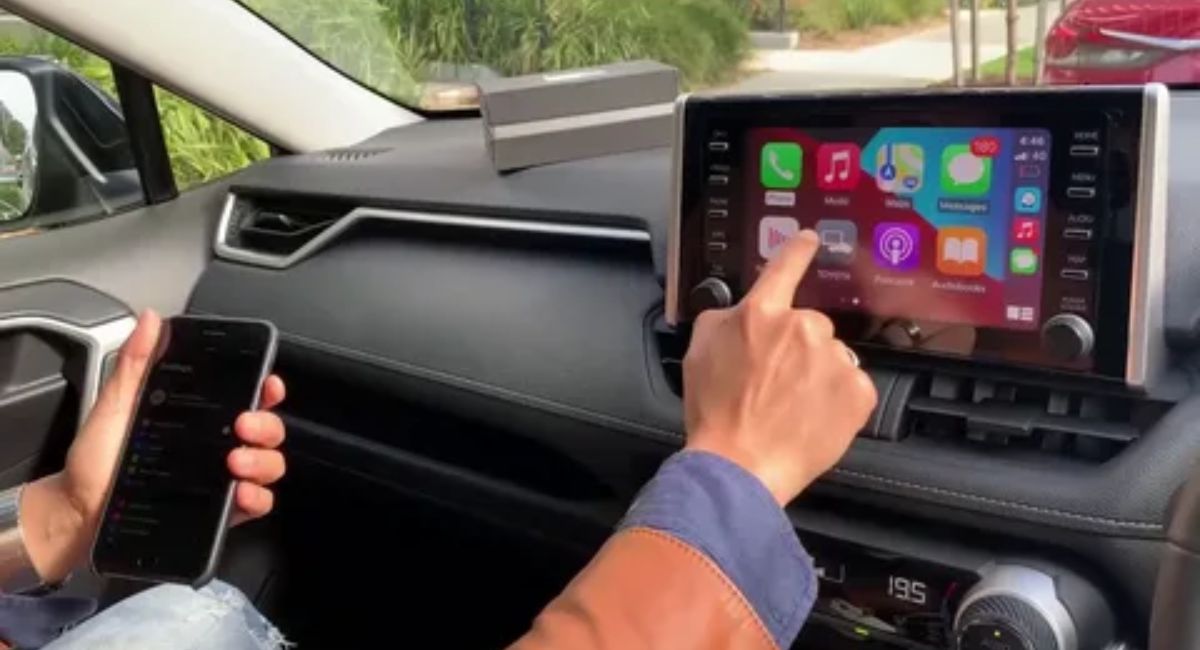
- Access Apps on the Screen Once connected, your compatible apps like Maps, Music, Messages, and more appear on the infotainment display.
- Use Siri for Hands Free Control Press the voice command button on the steering wheel or tap the Siri icon to make calls, send messages, or get directions safely.
- Switch Between Apps Easily Use the touchscreen, steering wheel controls, or Siri to navigate between apps without distractions.
How to Install Apple CarPlay
- To install Apple CarPlay in your 2025 Toyota RAV4, make sure your iPhone is running iOS 9 or later. For wireless setup, enable Bluetooth and WiFi on your iPhone.
- On the RAV4’s infotainment screen, go to Setup > Apple CarPlay, select your iPhone, and follow the on screen prompts.
- Once connected, you can access Maps, Music, Messages, and more directly from the car’s display, with Siri for hands free control.
How to Update Apple CarPlay
Apple CarPlay updates automatically through your iPhone’s iOS updates. To ensure you have the latest features
- Open Settings on your iPhone.
- Go to General > Software Update.
- If an update is available, tap Download and Install.
- Once your iPhone is updated, reconnect it to your car’s infotainment system (wirelessly or via cable) to enjoy the latest CarPlay features.
Tip
Keeping your iPhone updated ensures smoother performance and access to new apps and improvements on Apple CarPlay.
How to Connect Apple CarPlay
Wireless Connection
- Make sure your iPhone is iOS 9 or later and has Bluetooth and Wi Fi enabled.
- On your RAV4’s infotainment screen, go to Setup > Apple CarPlay.
- Select your iPhone and follow the on screen prompts to pair.
- Once connected, your apps will appear on the screen, ready to use.
Wired Connection (Optional)
- Plug your iPhone into the RAV4’s USB port using a Lightning cable.
- The system will detect your iPhone automatically and launch CarPlay.
What Can I Do With Apple CarPlay?
Apple CarPlay lets you safely access your iPhone while driving. You can
- Get directions with Apple Maps or compatible navigation apps.
- Make and receive calls hands free.
- Send and receive messages using Siri voice commands.
- Listen to music, podcasts, and audiobooks from Apple Music or other apps.
- Use compatible third party apps, like messaging, music, or parking apps.
With CarPlay, you can stay connected, entertained, and navigated without taking your eyes off the road.
How Can I Get Wireless CarPlay on 2019 to 2020 Toyota RAV4
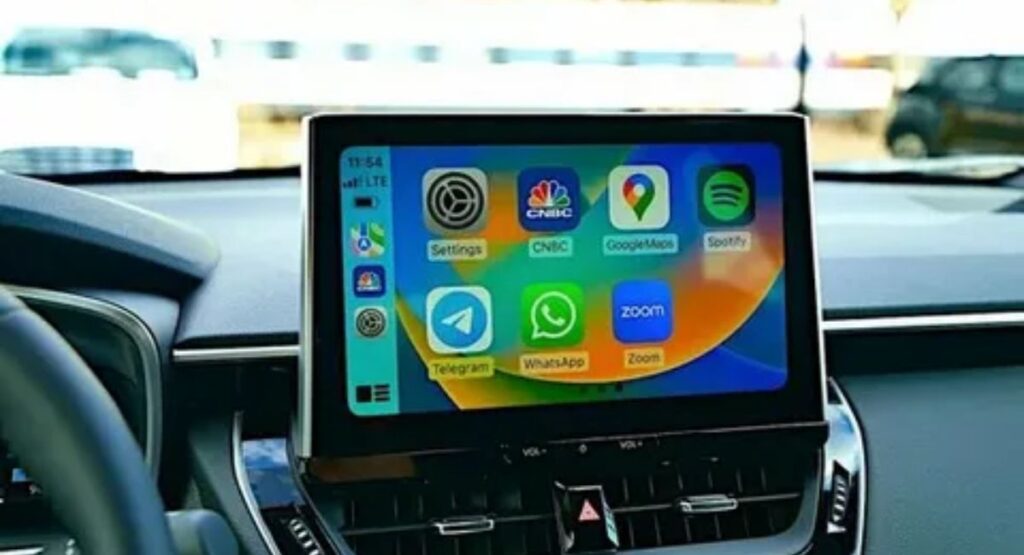
The 2019 to 2020 Toyota RAV4 comes with wired Apple CarPlay only from the factory, so wireless CarPlay isn’t built in. However, you can get it using a third party wireless CarPlay adapter.
Steps to Use a Wireless Adapter
- Purchase a compatible adapter (popular options include Carlinkit 3.0/5.0, Ottocast U2 Air, or CARLUEX LINK).
- Plug the adapter into your RAV4’s USB port used for CarPlay.
- Enable Bluetooth and WiFi on your iPhone.
- Pair your iPhone with the adapter following the on screen instructions.
- Once connected, your iPhone will automatically launch wireless CarPlay when the car starts.
Tips
- Some adapters may lag or need firmware updates after iOS updates.
- For a more permanent solution, you can also upgrade the head unit to a system that supports wireless CarPlay natively.
Conclusion
Wireless Apple CarPlay in the 2025 Toyota RAV4 makes driving smarter, safer, and more convenient. By setting it up properly, you can enjoy seamless access to your apps, navigation, and entertainment all without the clutter of cables. Embracing this technology enhances your driving experience and keeps you connected on the go.
Does the 2025 Toyota RAV4 support wireless Apple CarPlay?
Yes, the 2025 Toyota RAV4 comes with wireless Apple CarPlay, allowing iPhone users to connect their devices without a cable and access apps, navigation, and music seamlessly.
How do I set up Wireless Apple CarPlay in my RAV4?
To set it up, enable Bluetooth and Wi Fi on your iPhone, go to the car’s infotainment system, select Apple CarPlay, and follow the on screen instructions to pair your device wirelessly.
Which iPhones are compatible with Wireless Apple CarPlay?
Most iPhones running iOS 9 or later are compatible, but for the best experience, use an iPhone 7 or newer with the latest iOS version installed.
Can I use Siri with Wireless Apple CarPlay in the RAV4?
Yes, Siri is fully integrated with Wireless Apple CarPlay, allowing you to send messages, make calls, control music, and get directions hand free.
Are there any limitations to using Wireless Apple CarPlay?
While it works smoothly for most functions, some high data apps like Apple Maps or streaming large media may perform better with a wired connection in areas with weak wireless signals.