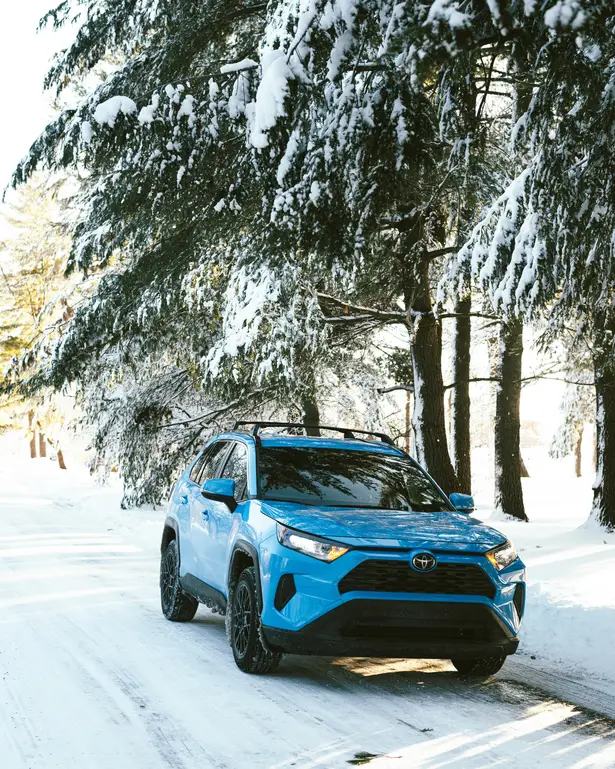
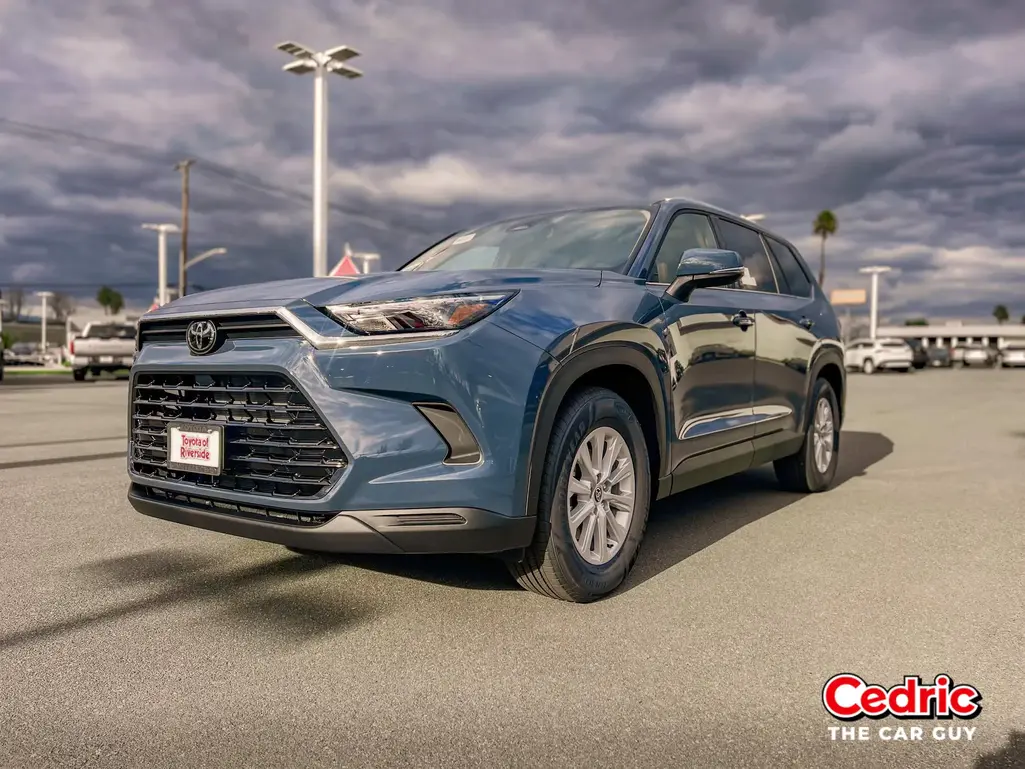
How to Easily Enable Wireless Android Auto in Your Toyota RAV4 2025
Wireless Android Auto is one of the most convenient features modern drivers look for. It removes cable clutter and lets you connect your phone automatically every time you start your Toyota RAV4. This guide explains how it works, which RAV4 models support it, and how to set it up in minutes.
Android Auto Wireless Adapter
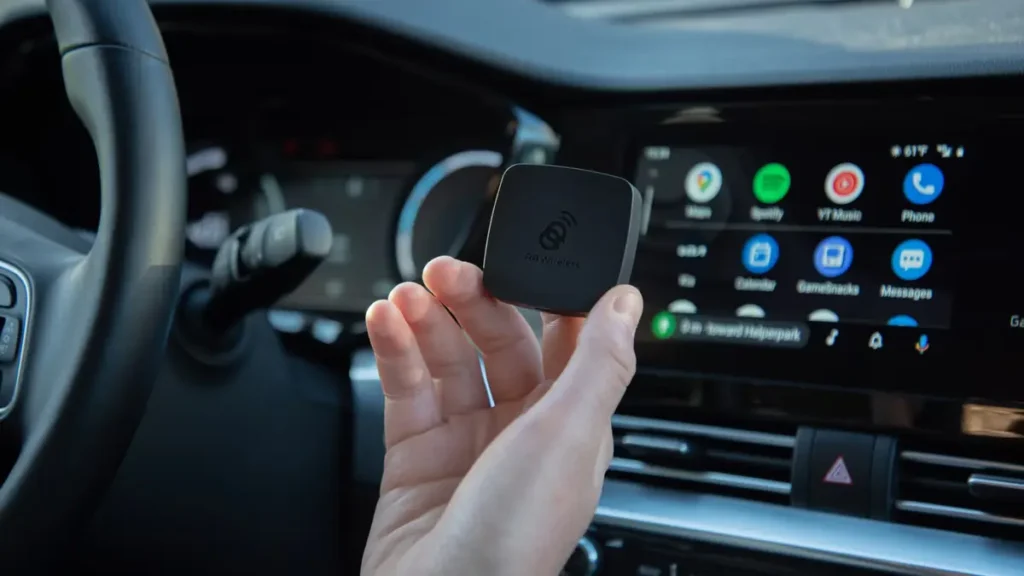
The Android Auto Wireless Adapter is a small device that plugs into your car’s USB port and instantly connects your phone to Android Auto without a cable. This adapter uses Bluetooth to detect your phone and then creates a WiFi connection to run Android Auto wirelessly on your car’s display. The Android Auto Wireless Adapter makes driving easier by eliminating the need to plug your phone in every time. Your device connects automatically, keeps the dashboard clean, and ensures smooth access to navigation, music, and calls.
Popular wireless adapters like AAWireless, Motorola MA1, Carsifi, and Ottocast work extremely well with vehicles such as the Toyota RAV4. If you’re tired of using a wired connection, the Android Auto Wireless Adapter offers a simple, fast, and affordable upgrade for a seamless hands-free experience.
Wireless Android Auto 2023 RAV 4
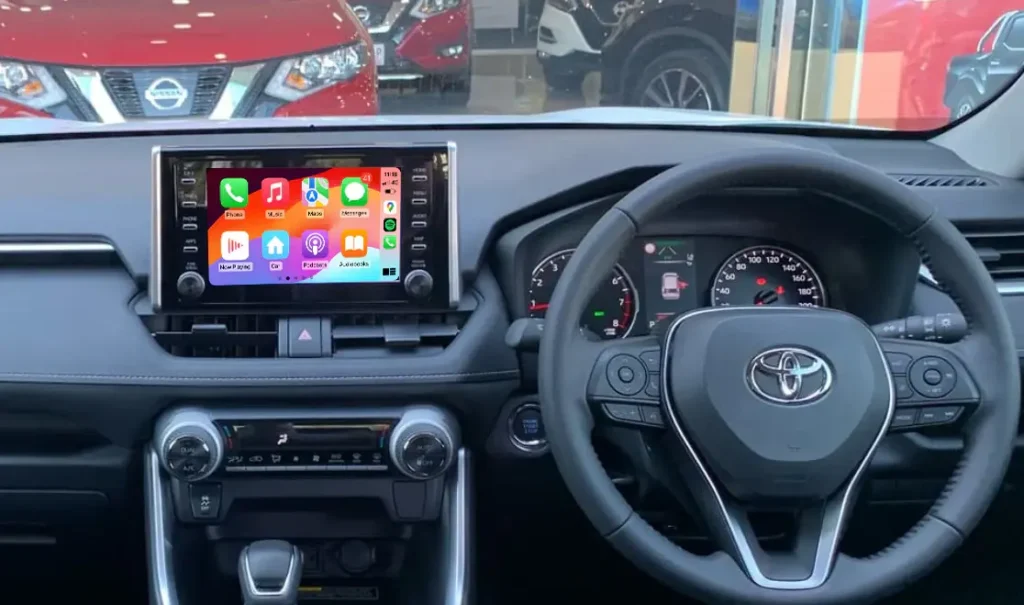
The 2023 Toyota RAV4 comes with built in Wireless Android Auto, so you don’t need any cables or adapters. The system connects your Android phone to the car’s touchscreen automatically using Bluetooth and Wi Fi.
How to Set Up Wireless Android Auto (2023 RAV4)
- Turn on your RAV4.
- Make sure your Android phone has Bluetooth and WiFi enabled.
- Open the Bluetooth menu on your phone and pair it with your RAV4.
- After pairing, your phone will show a message asking to Allow Wireless Android Auto → tap Yes/Allow.
- Wait a few seconds your RAV4 screen will load Android Auto wirelessly.
- Next time you start the car, your phone will connect automatically.
Why It’s Useful
- No cables required
- Auto connect every time
- Cleaner dashboard
- Easy access to Maps, Spotify, Calls, and Messages
Android auto not working with Toyota RAV4 2024
Why Android Auto may not work in 2024 RAV4
Connection instability (wired or wireless)
Sometimes Android Auto connects, but then drops signal or freezes while navigating or streaming.
Software incompatibility / bugs
Infotainment system firmware or recent phone/Android Auto updates may cause conflicts, resulting in Audio paused, freeze, or no Android Auto option.
Bluetooth/WiFi or pairing issues
Wireless Android Auto relies on both Bluetooth (initial pairing) and WiFi. If Bluetooth is already busy or other devices are connected, this may block the Android Auto session.
USB cable / port problems (for wired mode)
If the cable is poor quality or the port supports only charging (not data), Android Auto might not connect reliably.
What Is Wireless Android Auto?
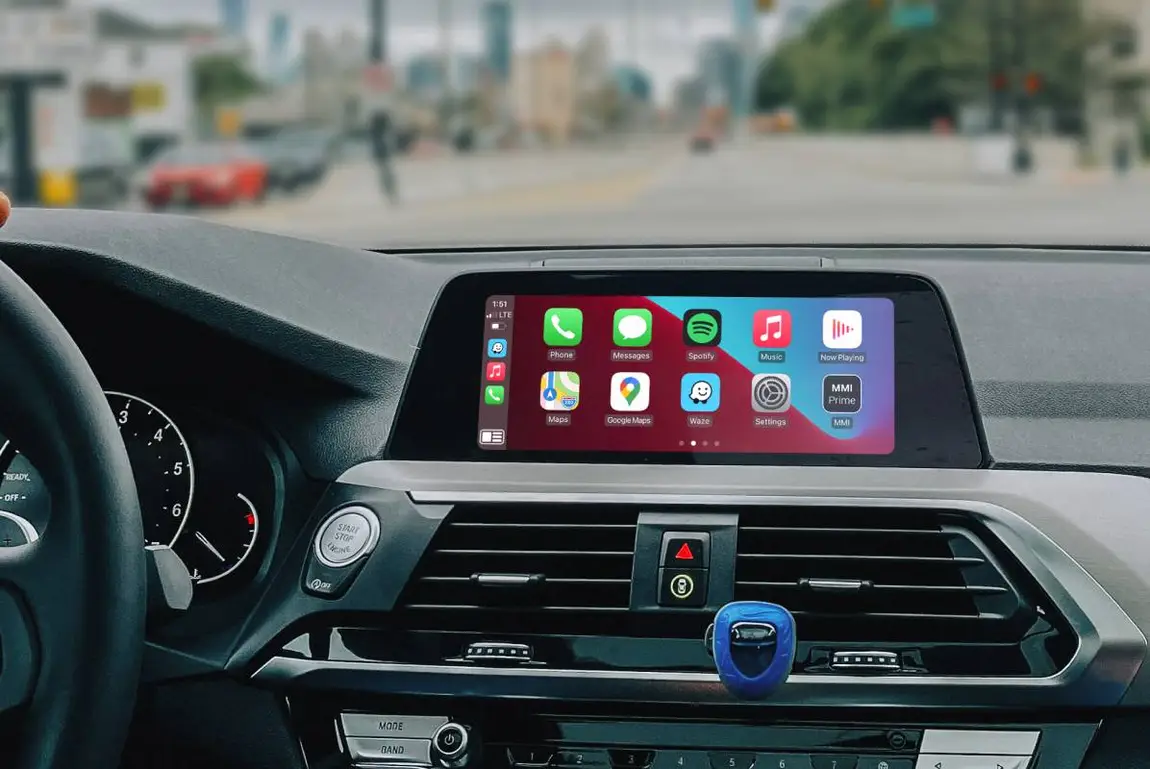
Wireless Android Auto allows your smartphone to connect to your vehicle’s infotainment system without a USB cable. You can use Google Maps, Spotify, calls, messages, and other apps on your RAV4’s touchscreen hands free and hassle free.
Which Toyota RAV4 Models Support Wireless Android Auto?
Wireless Android Auto support depends on the model year.
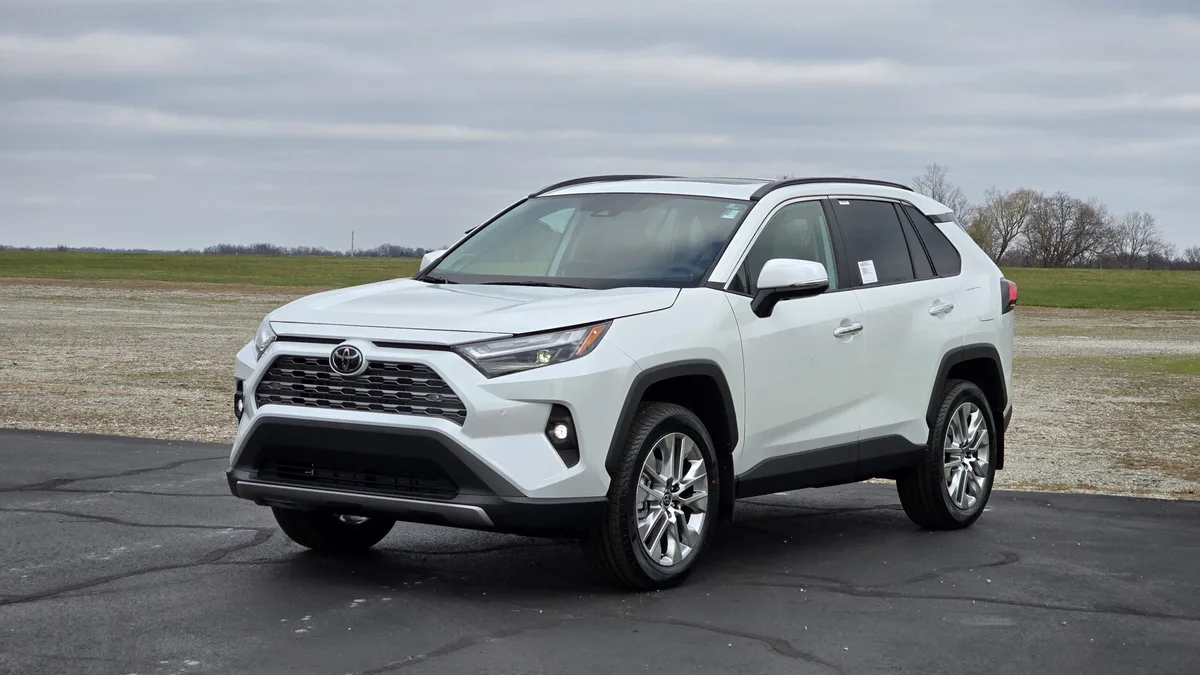
- 2023–2025 Toyota RAV4 → Fully supports wireless Android Auto
- 2020–2022 RAV4 → Mostly wired may require adapter for wireless
- Before 2020 → Android Auto not available or limited compatibility
If your model doesn’t support wireless, you can still use AAWireless or Motorola MA1 adapters.
How to Enable Wireless Android Auto in Toyota RAV4
Follow these steps.
Check Phone Requirements
- Android 11 or above
- Google Play Services updated
- Phone must support wireless projection
Turn On Bluetooth & WiFi
Wireless Android Auto uses both Bluetooth and WiFi for connection.
Pair Your Phone With RAV4
- Turn on your RAV4.
- Open Settings > Bluetooth on the infotainment screen.
- Select Add Device.
- On your phone, choose Toyota RAV4 from the Bluetooth list.
- Confirm the pairing code.
Enable Android Auto
- On your phone → open Android Auto Settings
- Tap Wireless Android Auto → turn ON
Start Wireless Android Auto
- Once paired, it should automatically connect every time you enter the car.
Benefits of Wireless Android Auto
- No cables needed
- Automatic connection
- Cleaner dashboard
- Better navigation experience
- Safer hands free driving
Common Issues & Fixes
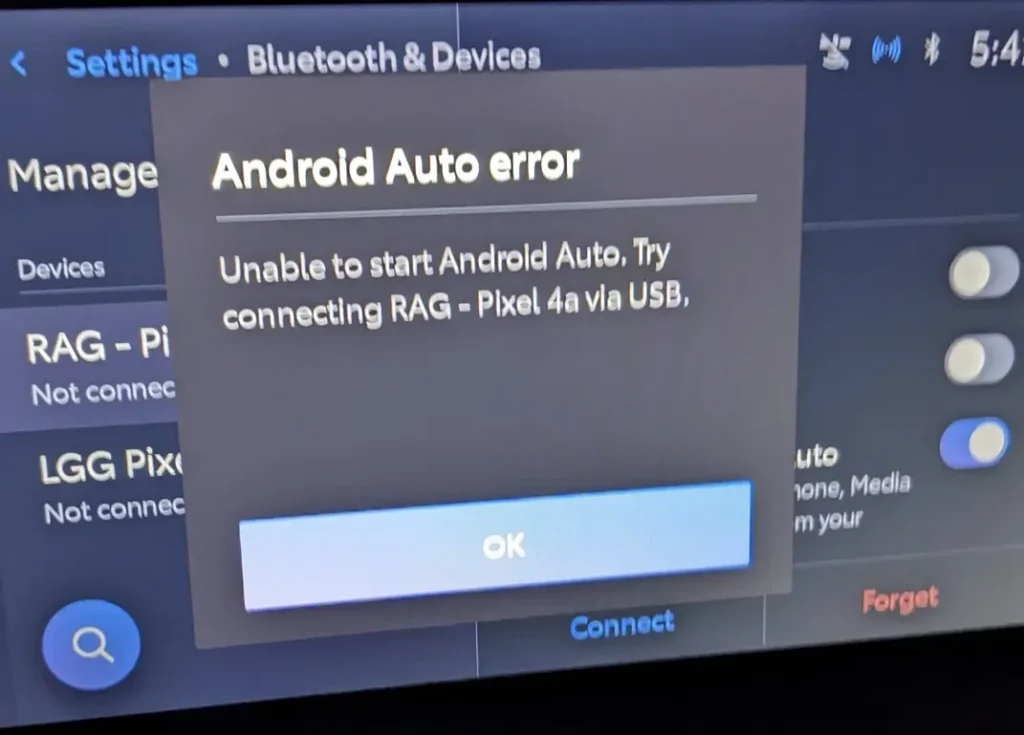
Not Connecting Automatically
- Remove old Bluetooth pairings
- Repair the device from scratch
- Restart the infotainment system
Wireless Signal Drops
- Keep the phone close to the console
- Disable Battery Saver mode
RAV4 Doesn’t Support Wireless
- Use a certified wireless adapter (AAWireless / Motorola MA1)
Conclusion
Wireless Android Auto makes the Toyota RAV4 a smarter, cleaner, and more convenient SUV to drive. Setting it up is quick, and once paired, your phone connects automatically every time. Whether you own a new RAV4 or an older one, you can enjoy wireless convenience with either built in support or an adapter.
Does my RAV4 have Wireless Android Auto?
RAV4 models from 2023–2025 support it natively.
Can I make older RAV4 wireless?
Yes, you can use a wireless adapter like AAWireless.
Why is my wireless Android Auto slow?
Disable battery saver and remove unnecessary apps running in background.
Do I need WiFi for wireless Android Auto?
Yes, WiFi must be ON because it transfers data between phone and car.
Does wireless Android Auto drain more battery?
Yes, slightly more than wired, but fast charging or wireless charging helps.